Free and open source · macOS 14+ · Apple silicon
CAM for CNC routers, native on your Mac
Design or import your artwork, set up the material and bits, generate 2.5D, 3D and indexed rotary toolpaths, watch the material-removal simulation, and export a file your controller reads, checked before it's saved.
Early software. NativeCAM is incomplete and was written almost entirely by AI. So far only Avid Mach4 output has run on a real machine; every other controller's output follows its documentation until owners confirm it. Air-cut every new program before cutting material, and keep a hand near the E-stop. Known limits
Who it's for
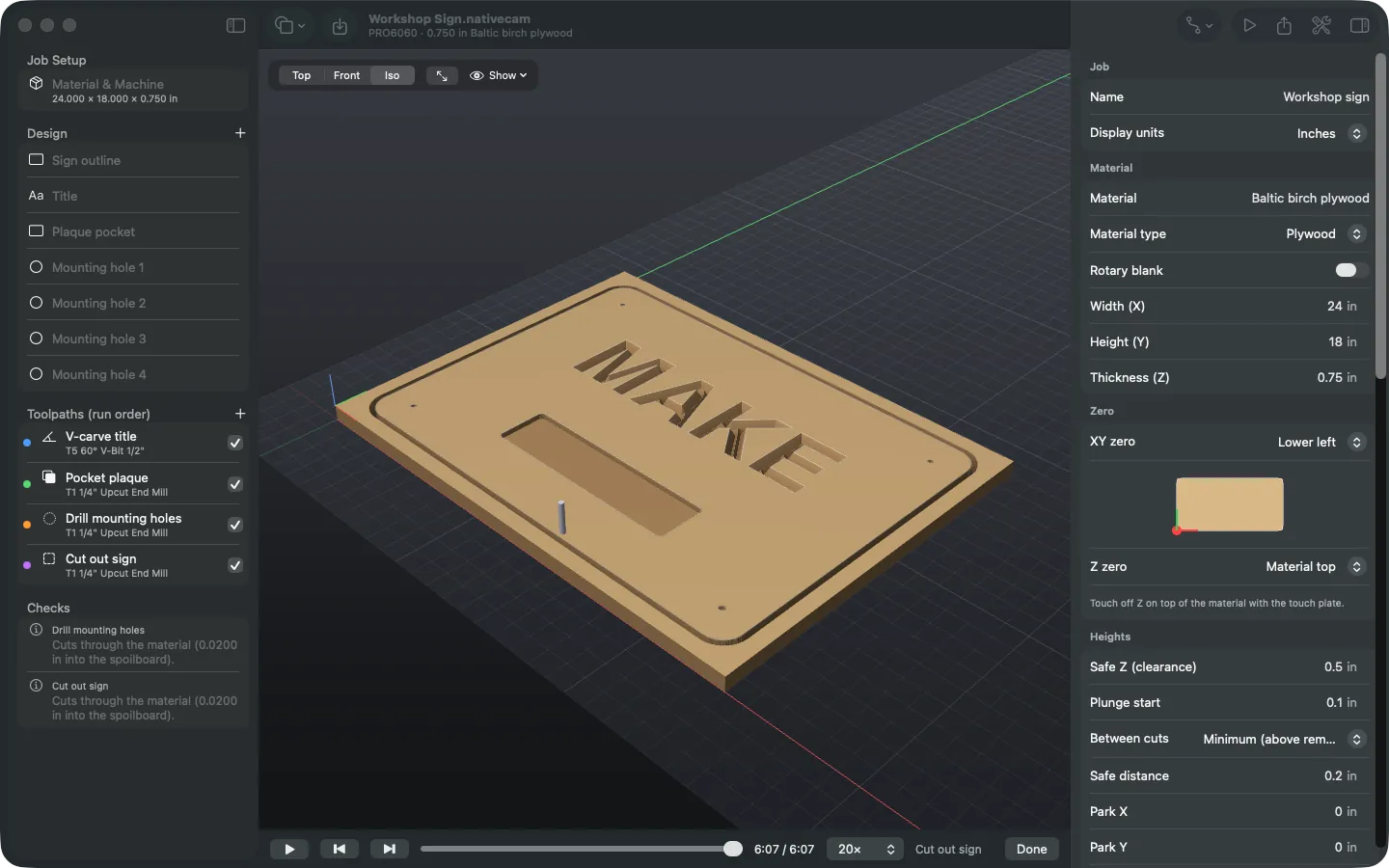
NativeCAM is for people who own a hobby or prosumer CNC router and do their design work on a Mac: Shapeoko, X-Carve, LongMill, Onefinity, ShopBot and Avid owners, and anyone with a Grbl, LinuxCNC, Masso or Centroid machine. It covers the CAM step between your drawing and the machine: signs, plaques, cabinet parts, joinery, 3D reliefs and indexed 4th-axis work.
It's built in SwiftUI and Metal for Apple silicon, so there's no Rosetta, no Electron and no Windows virtual machine. It's free under the GPL, including for commercial work such as cutting parts you sell.
What it does
Import your design
DXF, SVG, PDF and Illustrator files, 3D models (STL, OBJ, 3MF, USDZ, PLY), or draw shapes and text in the app.
Design import →2.5D, 3D and rotary toolpaths
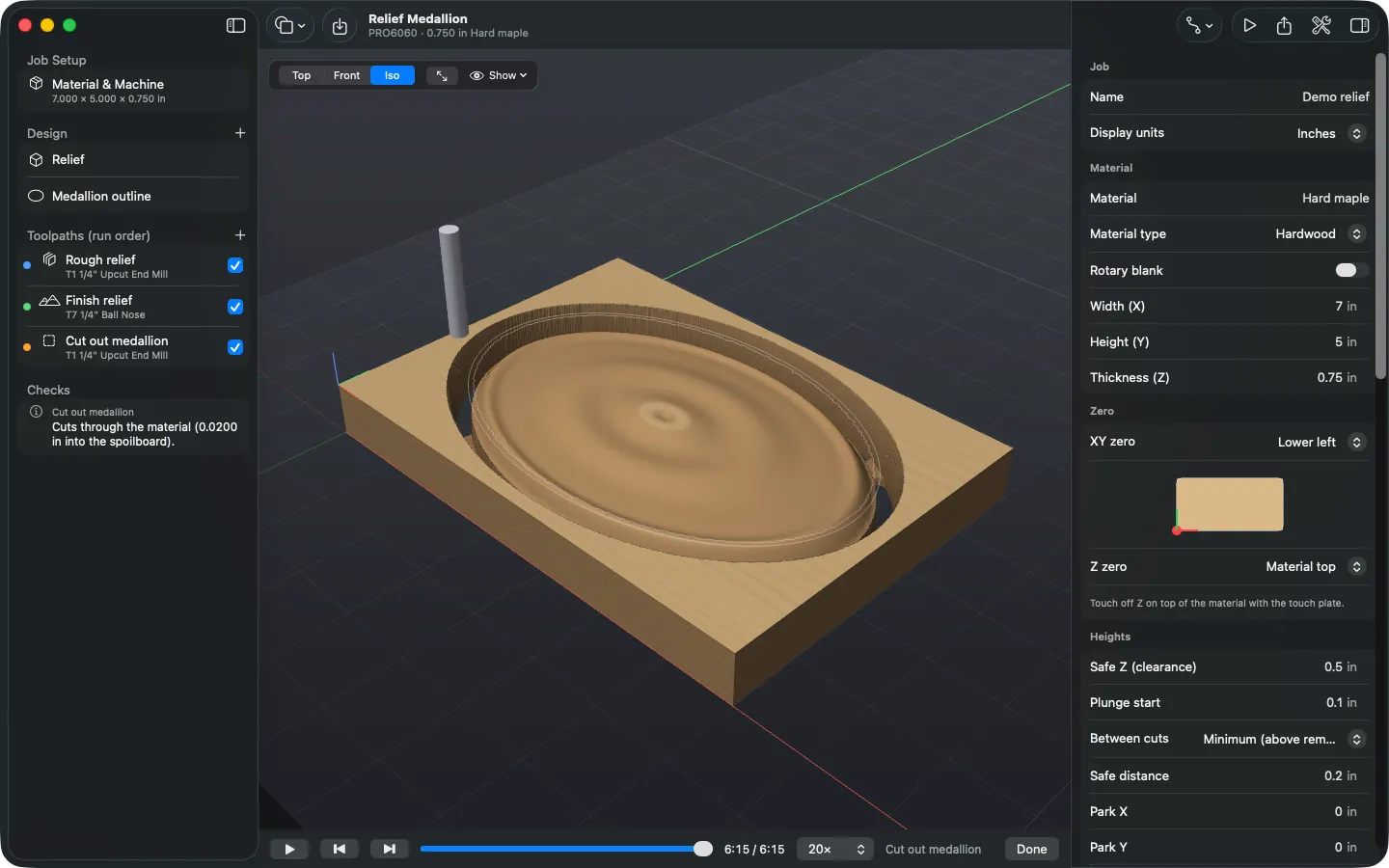
Profile with leads and dogbone or T-bone corners, pocket, V-carve, drill, 3D roughing and finishing, and indexed rotary.
Toolpaths →Metal simulation
A heightmap carved by each bit's true shape and timed with the controller's planner, including rotary jobs on a turning blank.
Simulation →Writes your controller's dialect
Avid Mach4, the Grbl family, LinuxCNC, Masso, Centroid, Buildbotics, ShopBot and RichAuto, or your own Vectric post.
Controllers →Checks the file before you run it
Every export is read back against the controller's rules and against the toolpaths. Air cuts and setup sheets are a click away.
Export checks →Set up your machine
A catalogue of 37 routers from 20 makers with a setup assistant, plus import of your controller's own settings for real speeds.
Machines →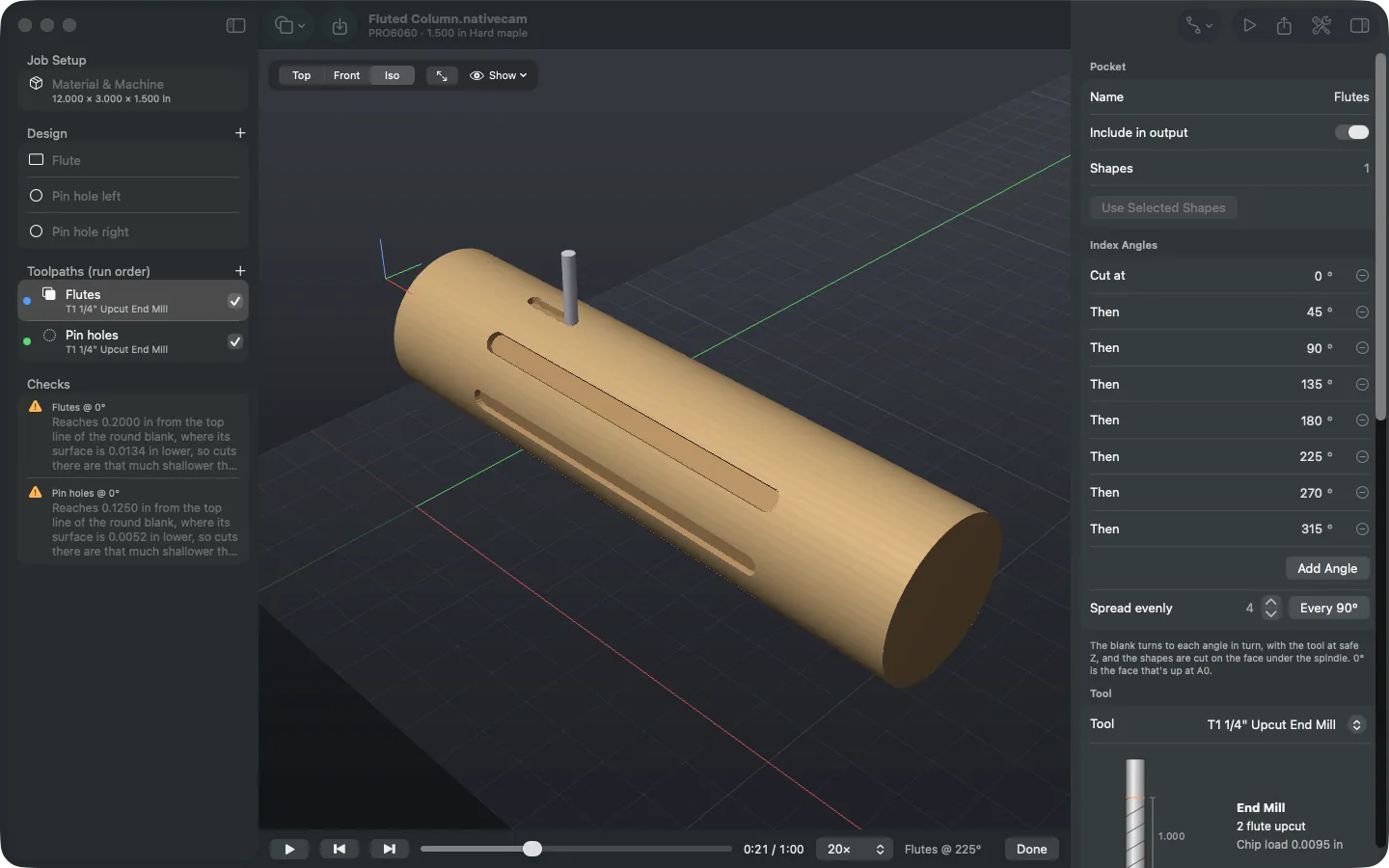
Learn it with a tutorial
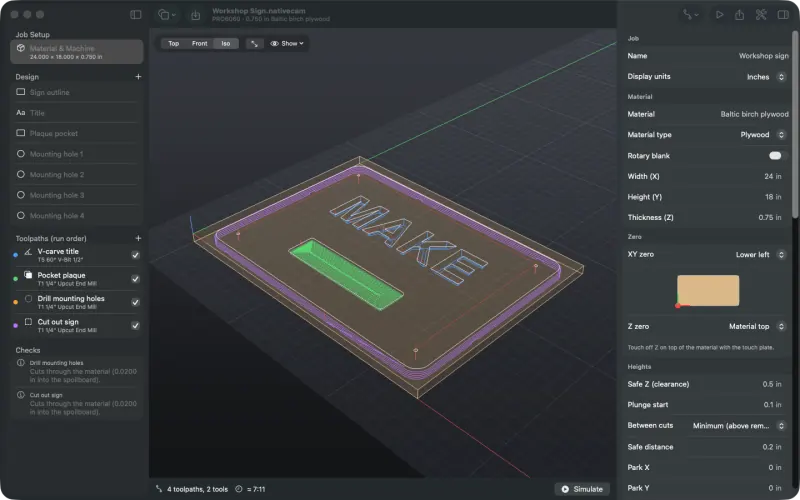
Your first job
Take the demo sign from opening it to checked G-code and a setup sheet.
Start →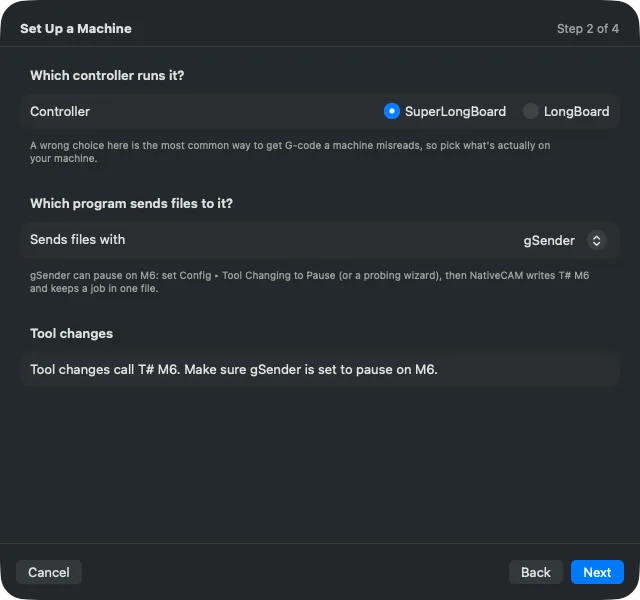
Set up your machine
Use the setup assistant to pick your router, controller and tool changes.
Start →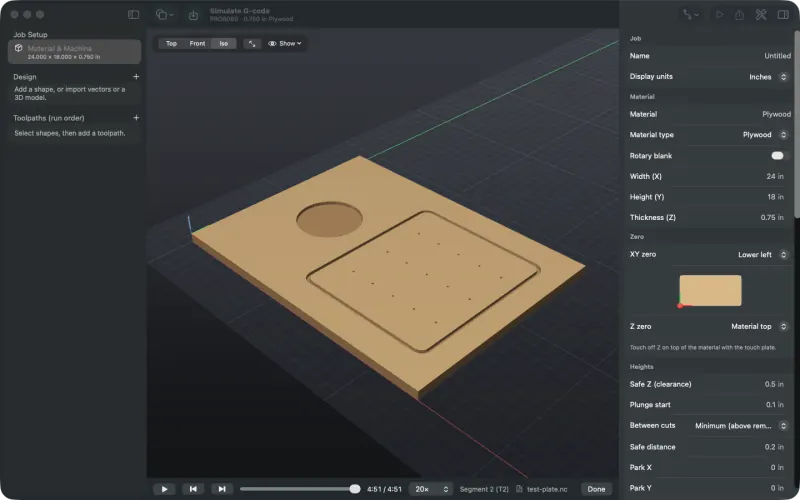
Simulate G-code from other programs
Open a file from any CAM program and watch it cut before the machine does.
Start →Honest status
NativeCAM is version 0.1. It was written almost entirely by an AI coding assistant (Anthropic's Claude, using Claude Code), working from the maintainer's requirements and design decisions, and checked with an extensive test suite and the simulator rather than a line-by-line human review.
Testing on real machines is ongoing. Avid Mach4 output has run on a real router; the other controllers are written from their documentation, firmware source or vendor posts, and are marked that way on the controllers page. Each one has an acceptance test program you can run in check mode and as an air cut. Results from your own machine are what move a controller from "from documentation" to tested.