Tutorials
Learn NativeCAM step by step
Every screenshot here is from the real app. If you haven't built it yet, start with Get started.
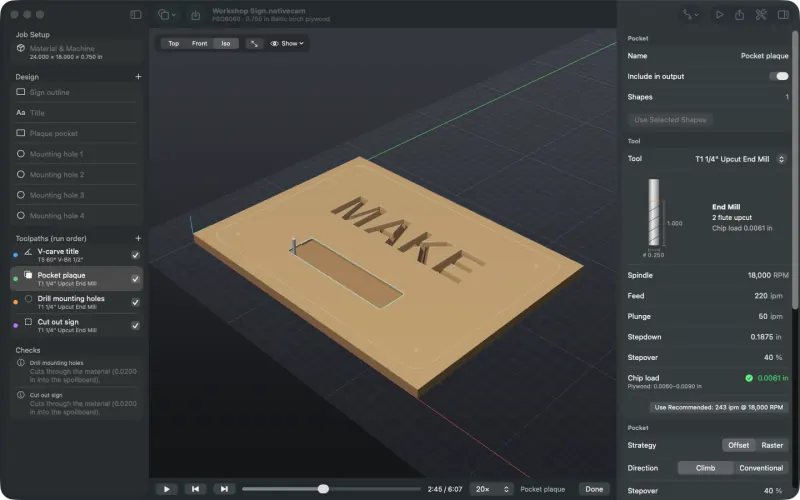
1. Your first job
Open the demo sign, look over the material, bits and toolpaths, simulate it and export checked G-code and a setup sheet.
About 15 minutes →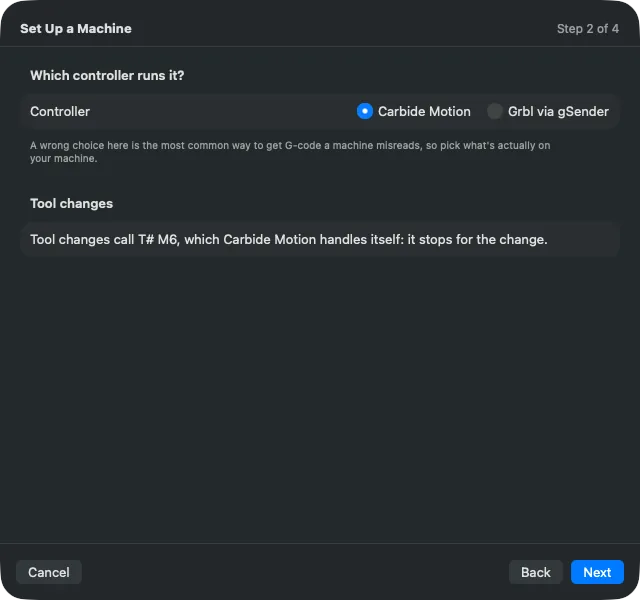
2. Set up your machine
Use the setup assistant to pick your router and controller, set units and tool changes, and save an acceptance test.
About 10 minutes →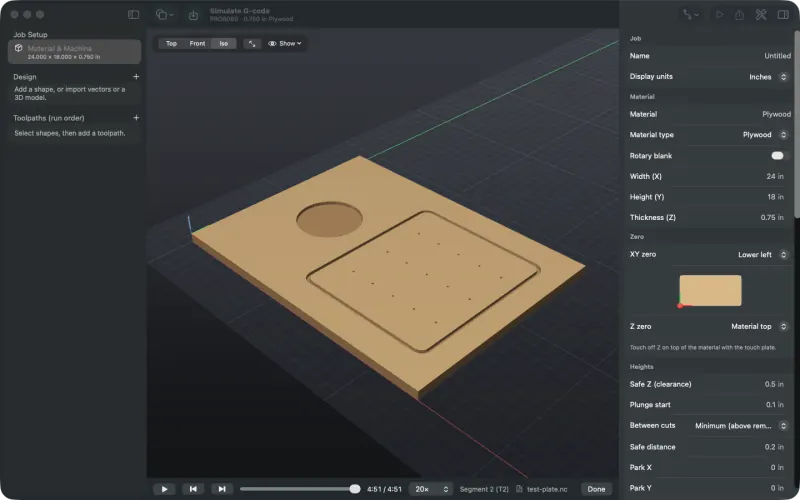
3. Simulate G-code from another program
Open a .nc, .tap or ShopBot file from any CAM program and watch it cut on your material.
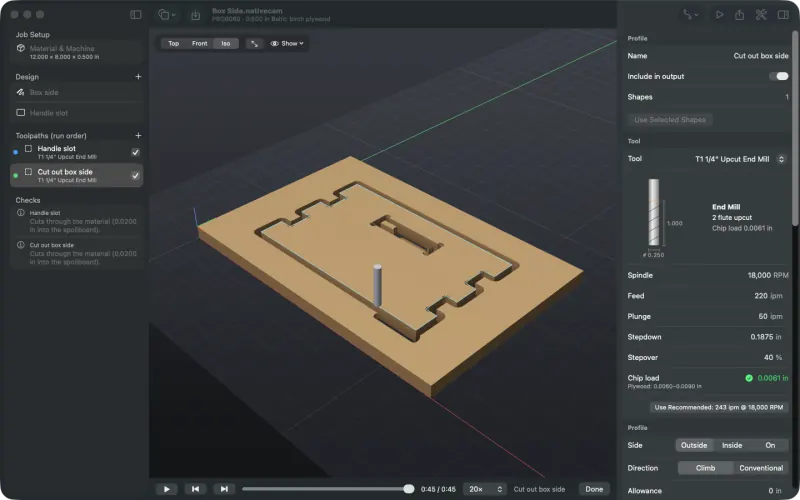
4. Leads, dogbones and T-bones
Cut a finger-jointed box side with lead-ins and corner reliefs, and change corners one by one.
About 10 minutes →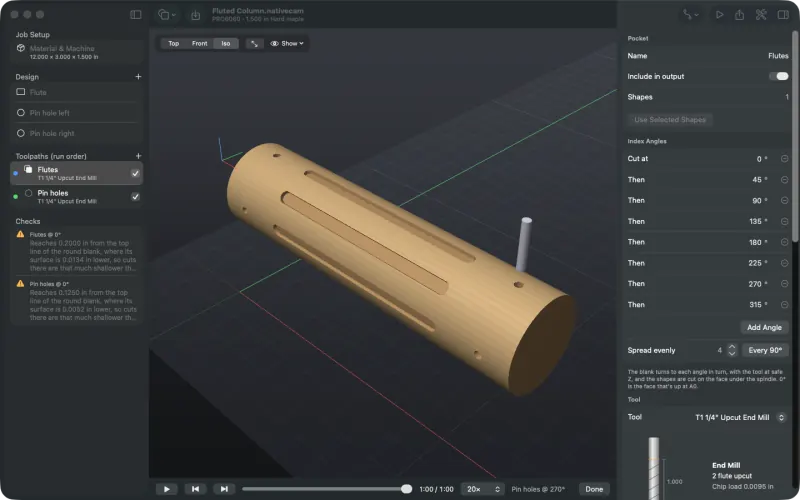
5. An indexed rotary job
Set up a rotary axis and a round blank, cut flutes at eight index angles, and simulate the blank turning.
About 15 minutes →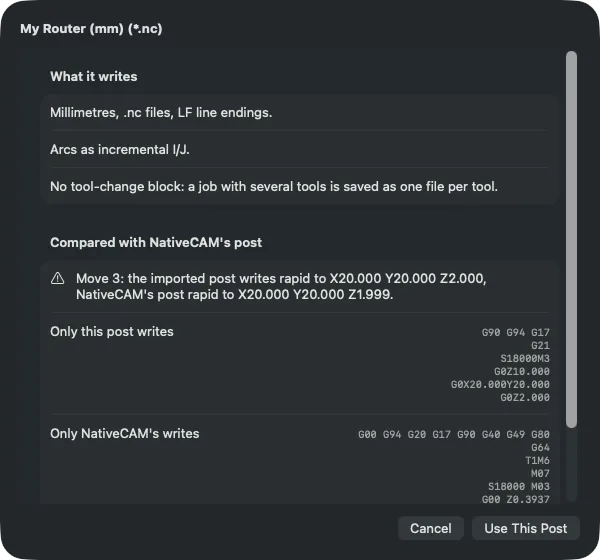
6. Use your own Vectric post
Write G-code for a controller NativeCAM has no post for, using the .pp file your machine's maker publishes.